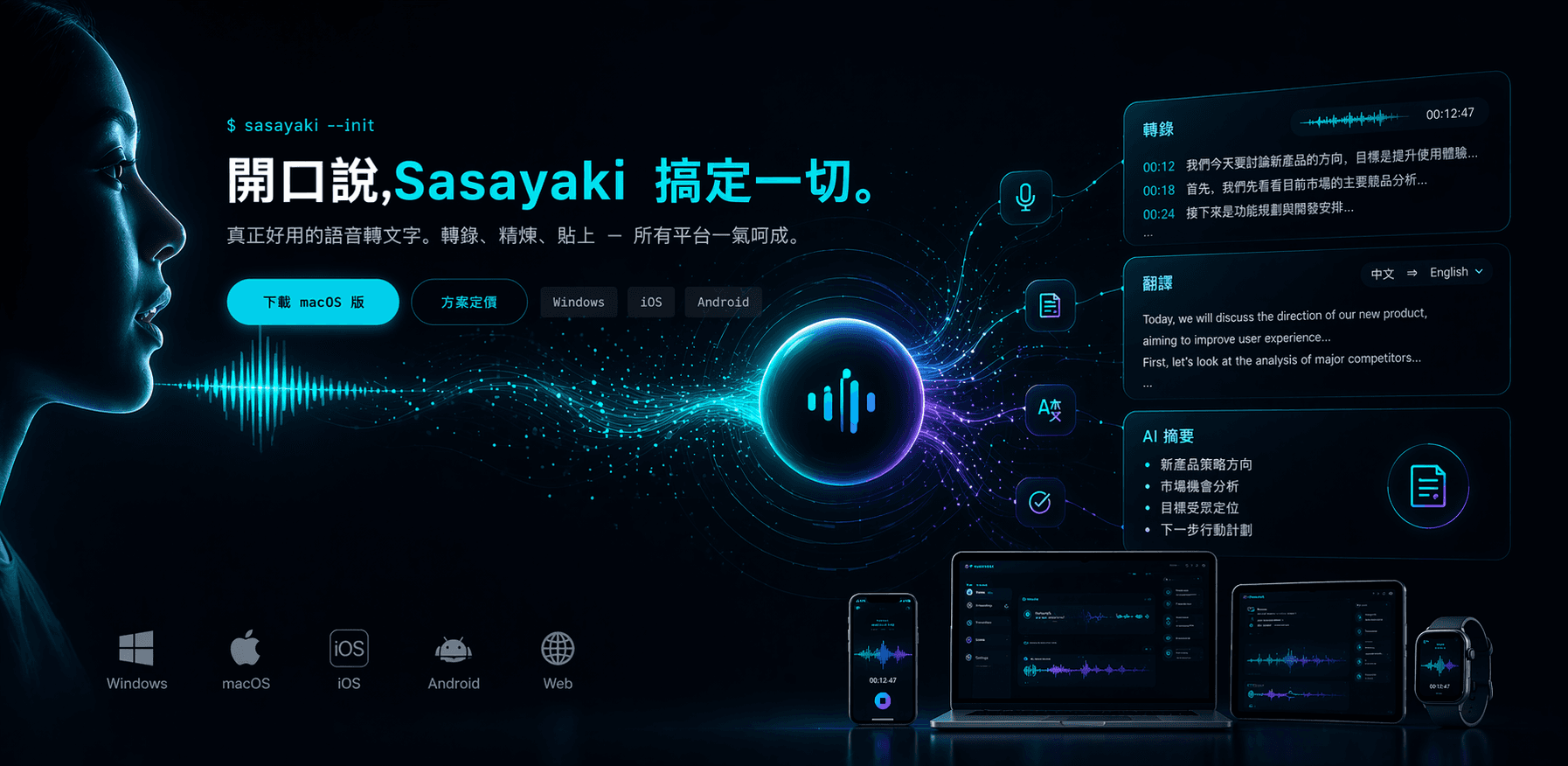
Sasayaki Launched! Upgrade Your Speech Toolbox
I had a great experience developing VoiceInk for Mac, but my friends kept asking, "What about Windows? What about iPhone?" So I decided to take it to the next level and create a cross-platform product, Sasayaki—now supporting macOS, Windows, iOS, and Android, adding features like meeting recording, AI summaries, IME keyboard, cross-device synchronization, and 19 language TTS reverse playback, all for a subscription of $10/month, even cheaper than Typeless.

Sasayaki Launched! Upgrade Your Speech Toolbox
I previously developed VoiceInk, which is like a more basic version of Typeless, and I enjoyed using it so much that I used it myself for almost two months. Initially, I thought it was enough to simply enjoy it myself, but after I published the GitHub repo, friends, viewers on YouTube, and even strangers on X (Twitter) were constantly asking me every few days:
- "So, what about Windows?"
- "Can I use it on iPhone?"
- "Can I use it on Android?"
- "Can it be used directly in LINE/Slack?"
I initially thought only a few people were asking these questions, but I soon realized that many were urging for it, and I got frustrated—(no, I was excited XDDD)
Since people wanted it, I thought I might as well take it all the way. Thus, my speech toolbox officially upgraded from a "one-person tool" to a cross-platform subscription product—
<span className="text-accent">Sasayaki</span> is born.
<LinkPreview url="https://sasayaki.cc/en" />The name is derived from the Japanese word for "<span className="text-rose-500">ささやき(囁き)</span>", which means whisper. Since voice input is essentially speaking softly into a microphone, it adds a touch of gentleness compared to "mouth cannon" XD.
<span className="text-emerald-500">Why isn’t it VoiceInk 2.0?</span>
Because it's already not the same thing.
| VoiceInk | Sasayaki | |
|---|---|---|
| Platform | macOS only | macOS / Windows / iOS / Android |
| Mode | Standalone tool | Cross-device synchronized product |
| Backend | None | Self-hosted FastAPI |
| Meeting Recording | ❌ | ✅ Up to 2 hours |
| IME Keyboard | ❌ | ✅ Directly in LINE / Slack |
| TTS Reverse Playback | ❌ | ✅ 19 languages |
| Privacy | You handle it | Zero cloud retention + not used for training |
<span className="text-[1.35rem] font-semibold leading-[1.65]"><span className="text-rose-500">VoiceInk is a basic tool, Sasayaki is the ultimate toolkit.</span></span>
<span className="text-sky-500">Cross-platform! True Cross-platform</span>
This time there’s no beating around the bush, <span className="text-rose-500">we built it for all four platforms: macOS / Windows / iOS / Android</span>.
- macOS: Expanded from the SwiftUI foundation of VoiceInk; it’s still the same menu bar app that you talk into by holding
Fn, but now with cloud synchronization and meeting mode added. - Windows: Packaged with Electron, using Flutter for the UI; the menu bar remains intuitive.
- iOS / Android: With Flutter for cross-platform performance—this is the framework I am most familiar with, making it fast and stable.
- Backend: FastAPI hosting on VPS, handling all major tasks like accounts, transcription, refinement, notes, meetings, subscriptions, and synchronization.
Five surfaces + one backend, all written by one person. Please accept my bow XDD (my own bow).
<span className="text-amber-500">What’s New Compared to VoiceInk</span>
1. Meeting Mode
<span className="text-rose-500">Continuous recording for up to two hours</span>, automatically generating summaries, key points, and to-dos after recording. During meetings, you can focus solely on listening without worrying about taking notes.
2. Custom IME Keyboard (My favorite feature)
<span className="text-[1.35rem] font-semibold leading-[1.65]"><span className="text-sky-500">Directly speak into LINE / Slack / Notion / any text input box</span></span>
This is super awesome. Before, I had to switch apps, but now when typing, I just hit a button to switch to the Sasayaki IME, speak, and when I'm done, the refined text goes right into the input box.
3. TTS Reverse Playback
<span className="text-emerald-500">19 different languages</span> to read the text back to you. Originally, VoiceInk only did "voice → text" one-way, and now we've added "text → voice" reverse playback—translating articles, practicing Japanese listening, hearing Claude respond to my emails—all sorted out.
4. Cross-device Synchronization
Notes recorded on Mac show up immediately on iPhone; meetings recorded on iPad transition seamlessly back to Mac. All historical records and usage statistics keep synced.
5. Privacy · No Compromises
- <span className="text-rose-500">Zero cloud retention</span>—audio is deleted immediately after processing
- <span className="text-rose-500">Absolutely not used for AI training</span>
- Transcription records are encrypted locally, completely under your control.
This is a point I insist on particularly. If you want others to trust that they can upload their audio, privacy isn’t a marketing buzzword; it’s basic respect.
<span className="text-rose-500">Subscription-based, but I’m not greedy</span>
I struggled with this for a long time.
I personally used VoiceInk for just $6.58 a month, so fundamentally, this is against the subscription model. However, once you go for cross-platform synchronization, you need a backend, and the costs for VPS, databases, and APIs are real—either I pay out of pocket, or users share some of the cost. I had to pick one.
So this plan was created:
- Free: Allows 4,000 characters of AI refinement per week (sufficient for light personal use), and cloud synchronization is available.
- Pro: <span className="text-emerald-500">$10 / month</span> or <span className="text-emerald-500">$120 / year</span>, unlimited access to all features.
Compared to Typeless’s annual fee of <span className="text-rose-500">$124</span>—I’m $4 cheaper, and I also provide native macOS support, Windows, mobile, IME, meeting mode, TTS reverse playback, etc. XD
<span className="text-[1.35rem] font-semibold leading-[1.65]"><span className="text-sky-500">In plain terms, it’s like, "If you want to support, subscribe to Pro, if you just want personal use, go Free," I can accept both.</span></span>
Not subscribing adds no pressure; if you want to use it more heavily, you can upgrade—my point in creating this product isn’t to lock users in, but to let this tool thrive and continue to iterate.
<span className="text-accent">Welcome to Join the Team (Upgraded Version)</span>
Looking back at the time when I made VoiceInk, I finished the core functionality in just<span className="text-rose-500"> two hours</span> (including debugging), I thought that was the limit.
However, from VoiceInk to Sasayaki, it took about two months in total, with me carrying the entire project through macOS native, Electron, Flutter, FastAPI backend, and Next.js dashboard—<span className="text-emerald-500">this is where I truly experienced the power of AI Agent Coding.</span> Without Claude Code + the context engineering process I had already established, I don’t think I could have achieved this scale by myself.
Having written this, I’ve already been speaking into the microphone using Sasayaki's IME to finish this entire piece.
成本: 0.0X 美金
說話長度: 大約 15 分鐘
轉出來的字: 2500+ 字
So, after reading this, will you still choose to type and strike up a conversation with AI? XDDD
Join the team · Upgraded version →
<LinkPreview url="https://sasayaki.cc/en" />If you're a macOS user and want to see how the original VoiceInk came to be, check out these two prequels:
<LinkPreview url="https://kazami.me/blog/2026-01-02" /> <LinkPreview url="https://kazami.me/blog/voiceink-review" />Forking encouraged · Subscriptions welcome · Complaints welcome XDDDDD